
What Changed
In earlier versions, you could select a fixed number of columns (1, 2, 3, or 4) for the Overview page layout. This setting was replaced with flexible widgets that you can resize to any width.How to Resize Widgets
Drag the edges or corners of any widget to resize it. Widgets automatically snap to a grid and reflow around each other.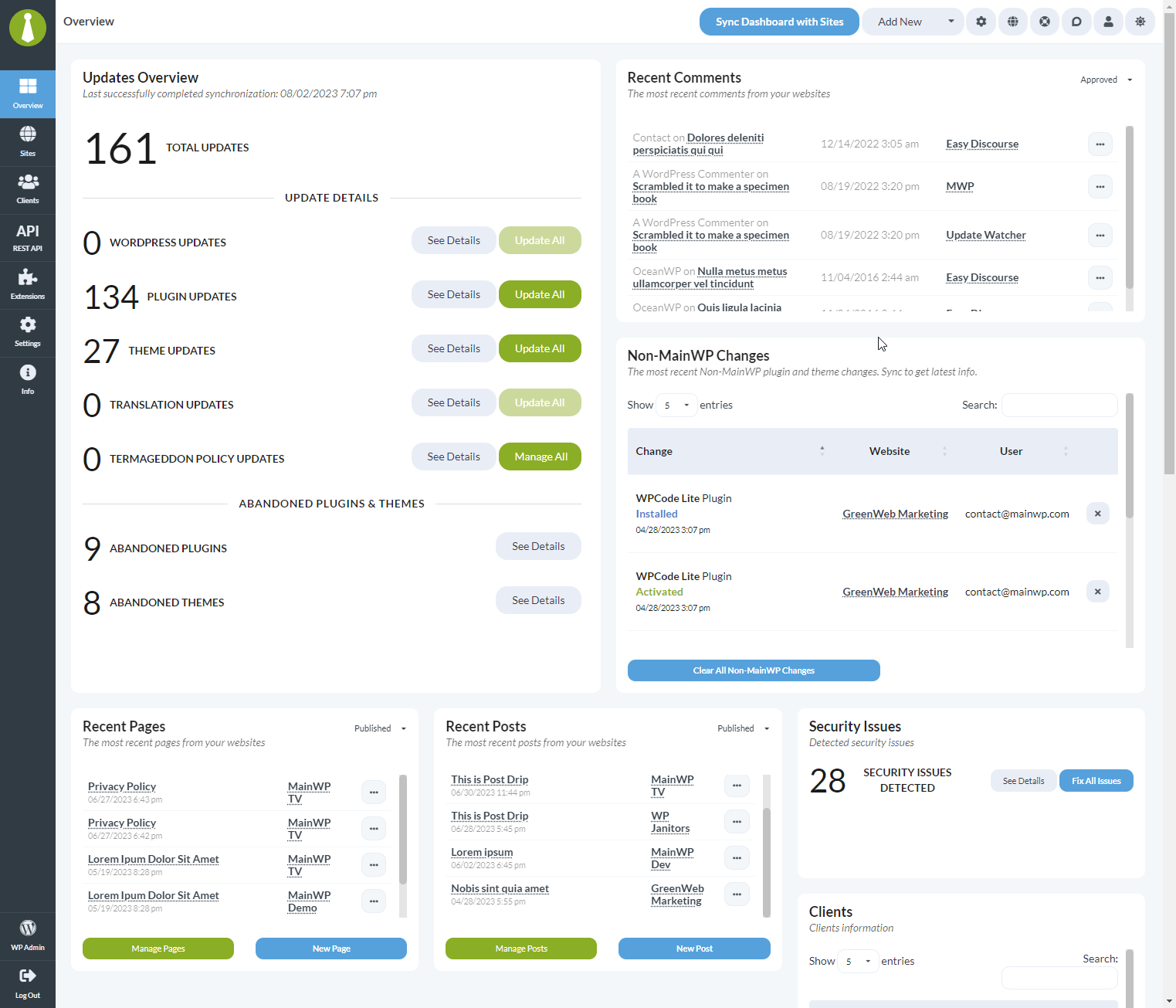
Benefits of Flexible Widgets
Related Resources
- Hide Widgets You Don’t Need - Remove unused widgets
- MainWP User Interface - Dashboard layout overview