
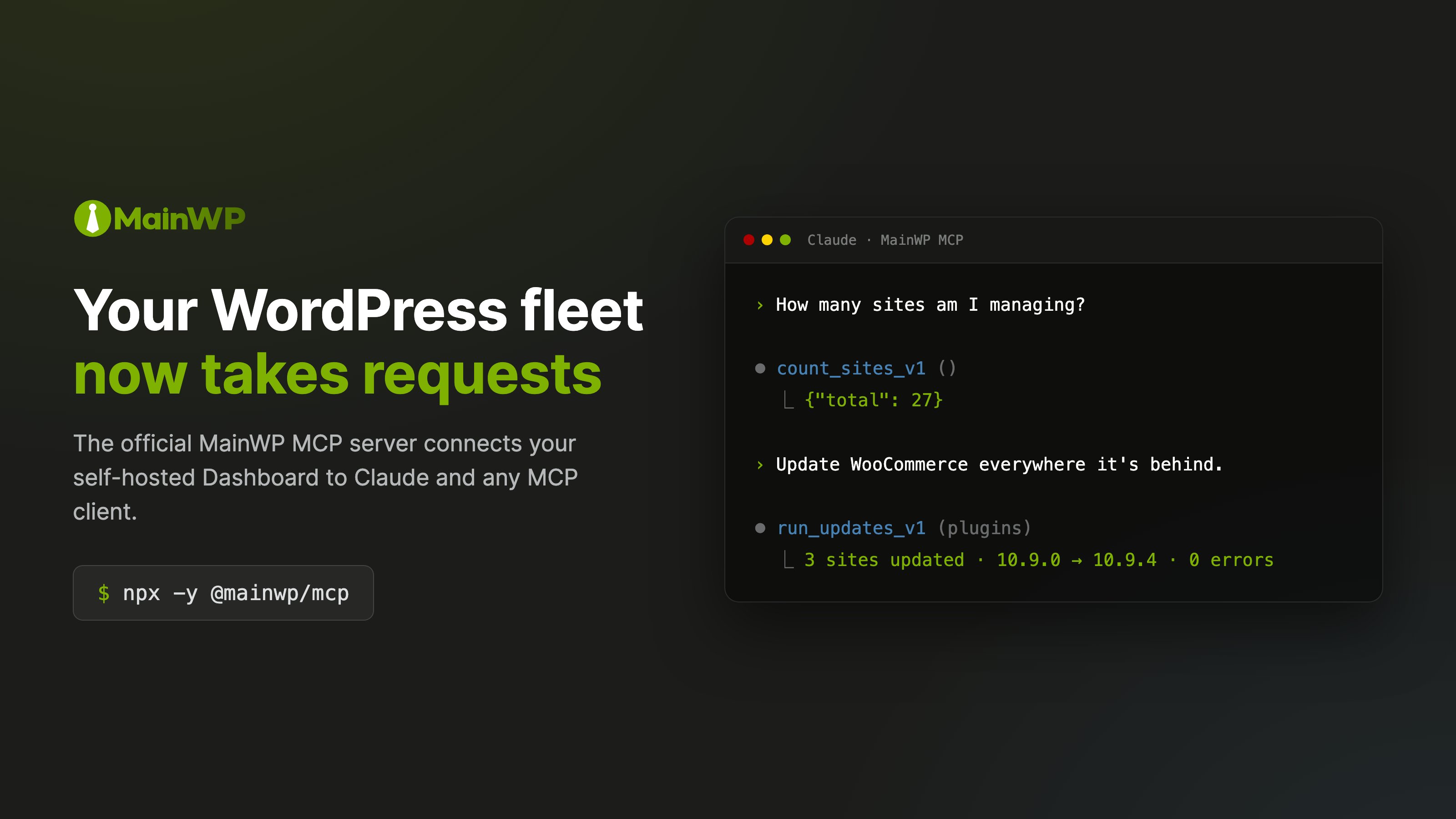
What you can ask
- “What sites need updates?”
- “Sync all my sites”
- “Which sites are running an outdated version of Elementor?”
- “Update all plugins on sites tagged ‘priority’”
- “Which sites belong to Acme Corp?”
- “Show me sites that haven’t synced in the last 24 hours”
How it works
The AI proposes the work. MainWP decides what’s permitted, performs it, and reports what actually happened. MCP (Model Context Protocol) is the open standard that lets AI assistants plug into external services. The MainWP MCP Server sits between your AI tool and your Dashboard, and each layer has a distinct job:- The AI interprets intent. It turns your request into tool calls.
- The MCP server applies the boundary. It exposes only the tools you permit and enforces that policy on every call.
- Your Dashboard is the authority. It holds your sites, defines the available operations through the Abilities API, and performs the WordPress work.
- You approve what matters. Destructive operations stop at a confirmation gate before anything runs. See Safety & Permissions.
Get started
MainWP Dashboard 6.3 includes MainWP > AI > MainWP MCP, where you can create an Application Password and copy configuration without leaving the page. Follow the guided quickstart. The AI menu also links to Knowledge and MainWP Control.Quickstart
From zero to your first prompt in about five minutes.
Safety & Permissions
What the AI can and cannot do, and the guardrails in between.
Prompt Cookbook
Ready-to-use prompts for updates, monitoring, clients, and reporting.
Source on GitHub
The MCP server is open source: releases, issues, and contribution guidelines live in the mainwp-mcp repository.