
The MainWP Dashboard displays New and Beta labels next to recently added or experimental features. You can hide these labels if you prefer a cleaner interface.
What You’ll Learn
- What the New and Beta labels indicate
- How to hide them using CSS
Prerequisites
- Custom Dashboard extension installed (free)
About the Labels
MainWP uses labels to indicate feature status:
Hide the Labels
1
Open Custom Dashboard
Navigate to the Custom Dashboard extension settings.
2
Add CSS snippet
Go to the CSS tab and add this snippet: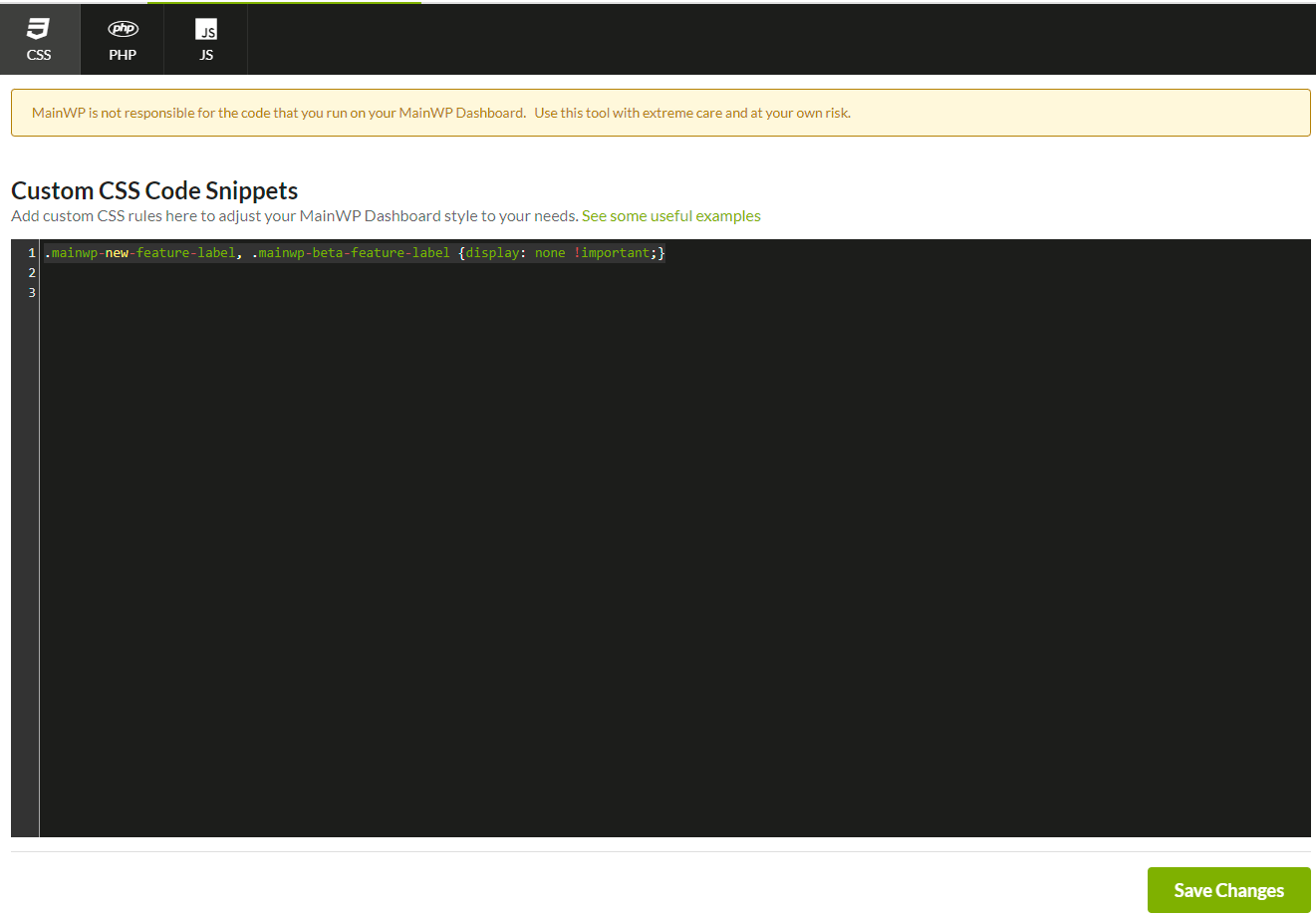
3
Save changes
Click Save Changes. The page reloads automatically.
4
Verify labels are hidden
The New and Beta labels no longer appear in the Dashboard.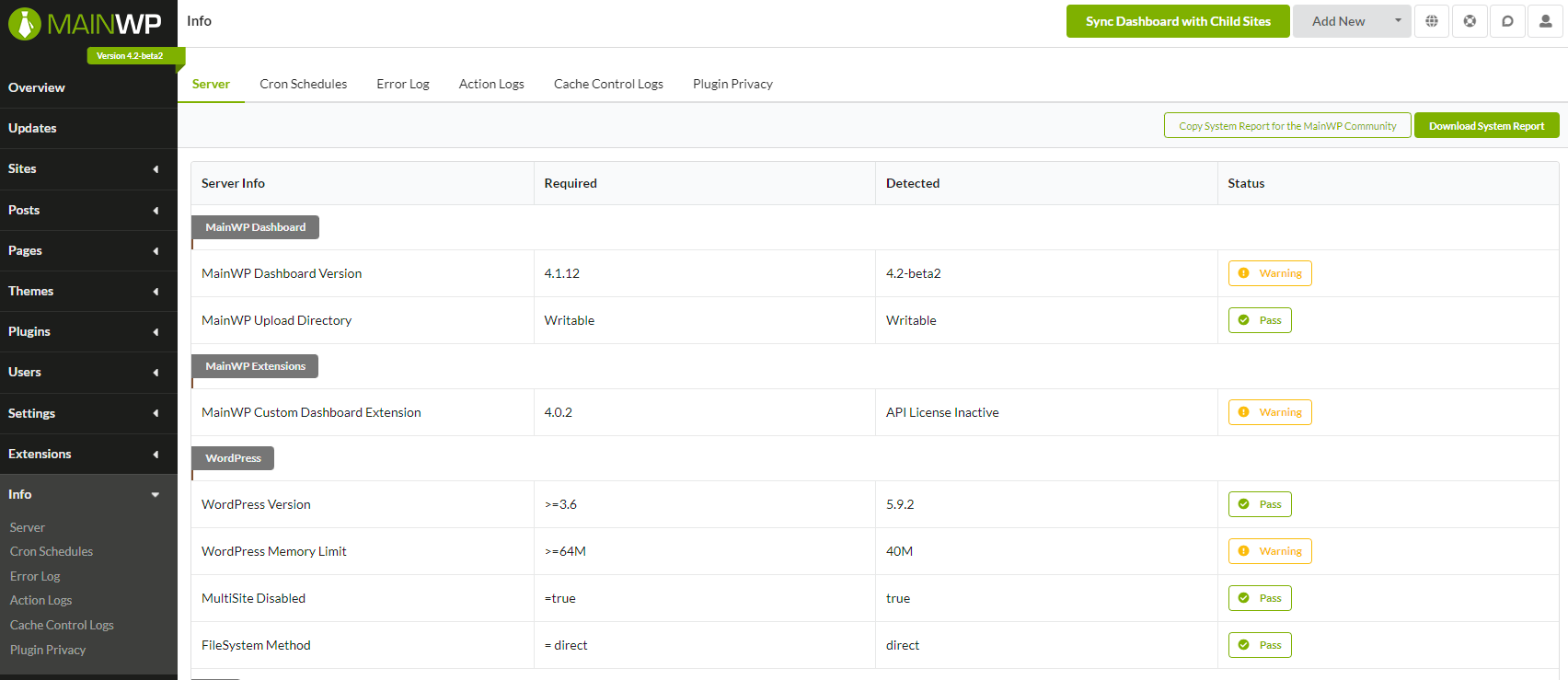
Restore the Labels
To show the labels again:- Return to the Custom Dashboard extension
- Remove the CSS snippet from the CSS tab
- Click Save Changes
Self-Check Checklist
- Custom Dashboard extension installed
- CSS snippet added to CSS tab
- Changes saved
- Labels no longer visible on Dashboard
Related Resources
- Custom Dashboard Extension - Full extension documentation
- Disable Tooltips - Remove hover tooltips
- Turn Off Guided Tours - Disable tutorial prompts