
What You’ll Learn
- What the Regression Testing add-on does
- Key features available
- How to get started
What It Does
The Regression Testing add-on monitors changes in your child sites’ source code. It helps you spot unexpected modifications after plugin, theme, or WordPress core updates by comparing HTML snapshots between scans.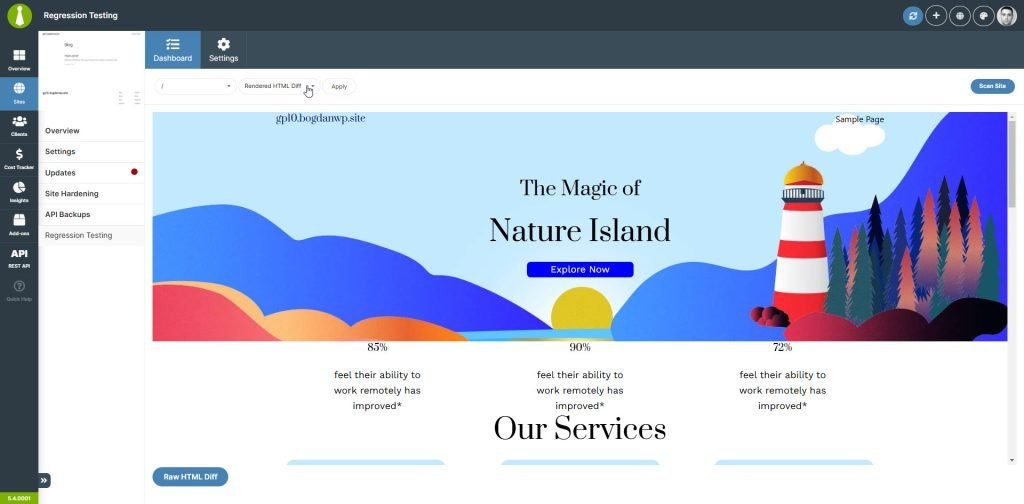
Key Features
Comparison Views
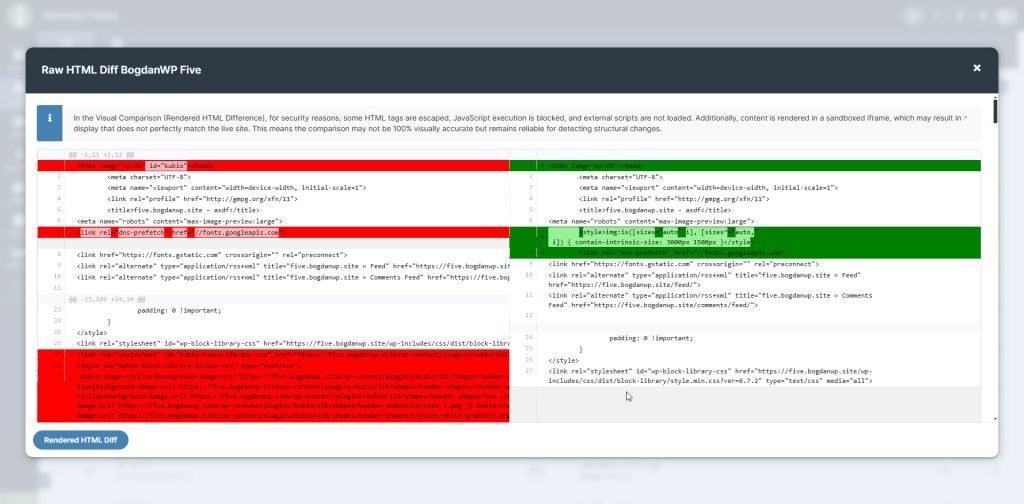
The add-on provides multiple ways to review differences:- Raw HTML comparisons
- Rendered before/after views
- CSS/JS file changes (when tracking enabled)
Get Started
For complete setup instructions and configuration options, see the Regression Testing documentation.Related Resources
- Regression Testing Add-on - Product page
- Manage Updates - Update management in MainWP
- Does MainWP Have Safe Updates - Update safety features