

What You’ll Learn
- How to encrypt private keys after upgrading to v5.3
- What private key encryption protects
- How the encryption system works
Prerequisites
- MainWP Dashboard version 5.3 or later
- Admin access to your Dashboard
Encrypt Keys After Upgrade
After upgrading to v5.3, a one-time prompt appears to encrypt private keys for existing connections.1
View the notification
After upgrading, look for the encryption notification on your Dashboard.
2
Encrypt keys
Click Encrypt Keys Now to encrypt all existing private keys.
3
Wait for completion
The process runs automatically. New child sites will have their private keys encrypted automatically going forward.
Restore the Notification
If you dismissed the notification, restore it from the Tools page.1
Open Tools
Navigate to MainWP Dashboard > Settings > Tools.
2
Restore messages
Click the Restore Info Messages button.
3
Encrypt keys
Click Encrypt Keys Now when the notification reappears.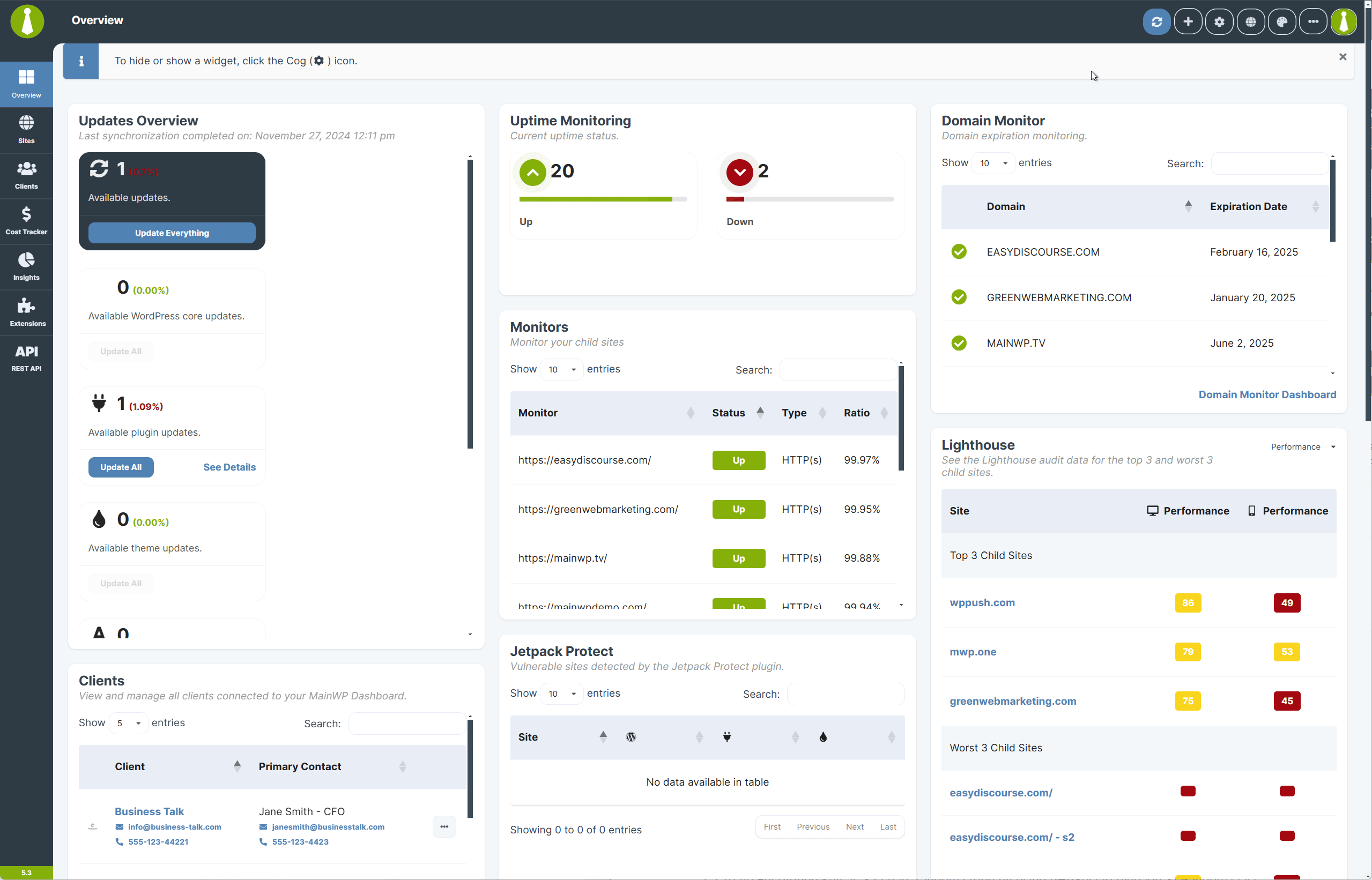
What Private Key Encryption Protects
Private keys sign requests sent from the Dashboard. Corresponding public keys on Child Sites verify the authenticity of those requests. Encrypting private keys ensures they remain inaccessible even if someone gains unauthorized database access. MainWP uses AES GCM encryption (Galois Counter Mode) to protect private keys. This method ensures data confidentiality, integrity, and protection against tampering.How the Encryption Works
MainWP 5.3 uses the same secure framework implemented in version 4.5 for API key encryption.
This layered approach ensures that database compromise alone cannot decrypt private keys. Access to both the Key File and encryption components is required.
Technical Details
AES GCM Encryption
AES GCM (Galois Counter Mode) encrypts private keys and generates an authentication tag that verifies data integrity. Any tampering with encrypted data invalidates the tag, preventing decryption.Initialization Vector (IV)
The IV ensures encryption uniqueness. Each encryption session uses a random IV, so identical private keys produce different encrypted outputs. This prevents pattern-based attacks.Authentication Data
Authentication data validates that stored private keys are legitimate and unmodified. MainWP includes metadata during encryption to verify data trustworthiness.Key Management
The encryption key is stored separately from encrypted data. The Key File storing encryption keys is not in the database, so database access alone cannot expose private keys.Why This Matters
MainWP has always used encrypted communication between Dashboard and Child Sites. Private key encryption enhances this foundation by securing keys at rest in the database. Encrypted keys remain inaccessible without the Key File and other encryption components, even in the unlikely event of a database compromise.Self-Check Checklist
- Dashboard upgraded to v5.3 or later
- Encryption notification acknowledged
- Private keys encrypted (no notification remaining)
- Child site connections working after encryption
Related Resources
- How MainWP Stores API Keys - Encryption for third-party credentials
- How to Find the openssl.cnf File - OpenSSL configuration
- MainWP Security - Security overview