> ## Documentation Index
> Fetch the complete documentation index at: https://docs.mainwp.com/llms.txt
> Use this file to discover all available pages before exploring further.
# How to optimize your MainWP Dashboard
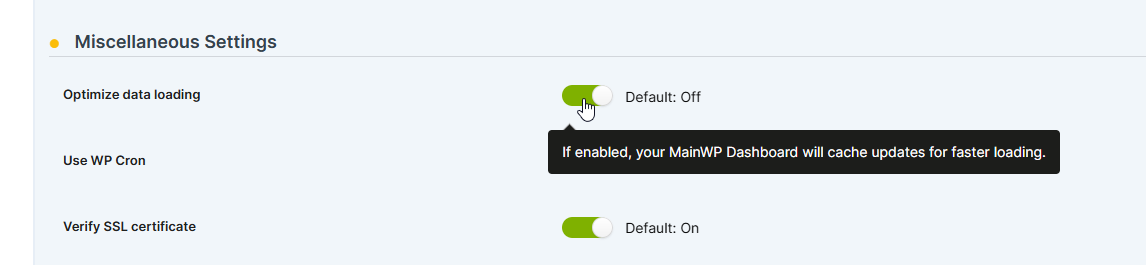
> For 30+ child sites or shared hosting, enable the Optimize data loading feature in Advanced Settings. This stores site data locally in the Dashboard database for faster searches instead of querying child sites directly.
If you manage 30+ child sites or run your MainWP Dashboard on shared hosting, optimize data loading for better performance.
When enabled, the "Optimize data loading" feature saves Plugins/Themes/Posts/Pages/Users information in the Dashboard database, significantly speeding up searches by querying the local database instead of child sites.
Note that if there are frequent changes on child sites, it's recommended to resync data before making changes to ensure you have the most up-to-date information.
To optimize your MainWP Dashboard: