> ## Documentation Index
> Fetch the complete documentation index at: https://docs.mainwp.com/llms.txt
> Use this file to discover all available pages before exploring further.
# Can I change the Sidebar position?
> Change the MainWP Dashboard sidebar position from left to right using the Sidebar Options section. The page reloads automatically to apply changes.
You can position the MainWP Dashboard sidebar on either the left or right side of the screen. The change takes effect immediately.
## What You'll Learn
* How to access sidebar position settings
* Available position options
***
## Change Sidebar Position
Locate the **Sidebar Options** section at the top of the sidebar.
Click to expand the Sidebar Options dropdown.
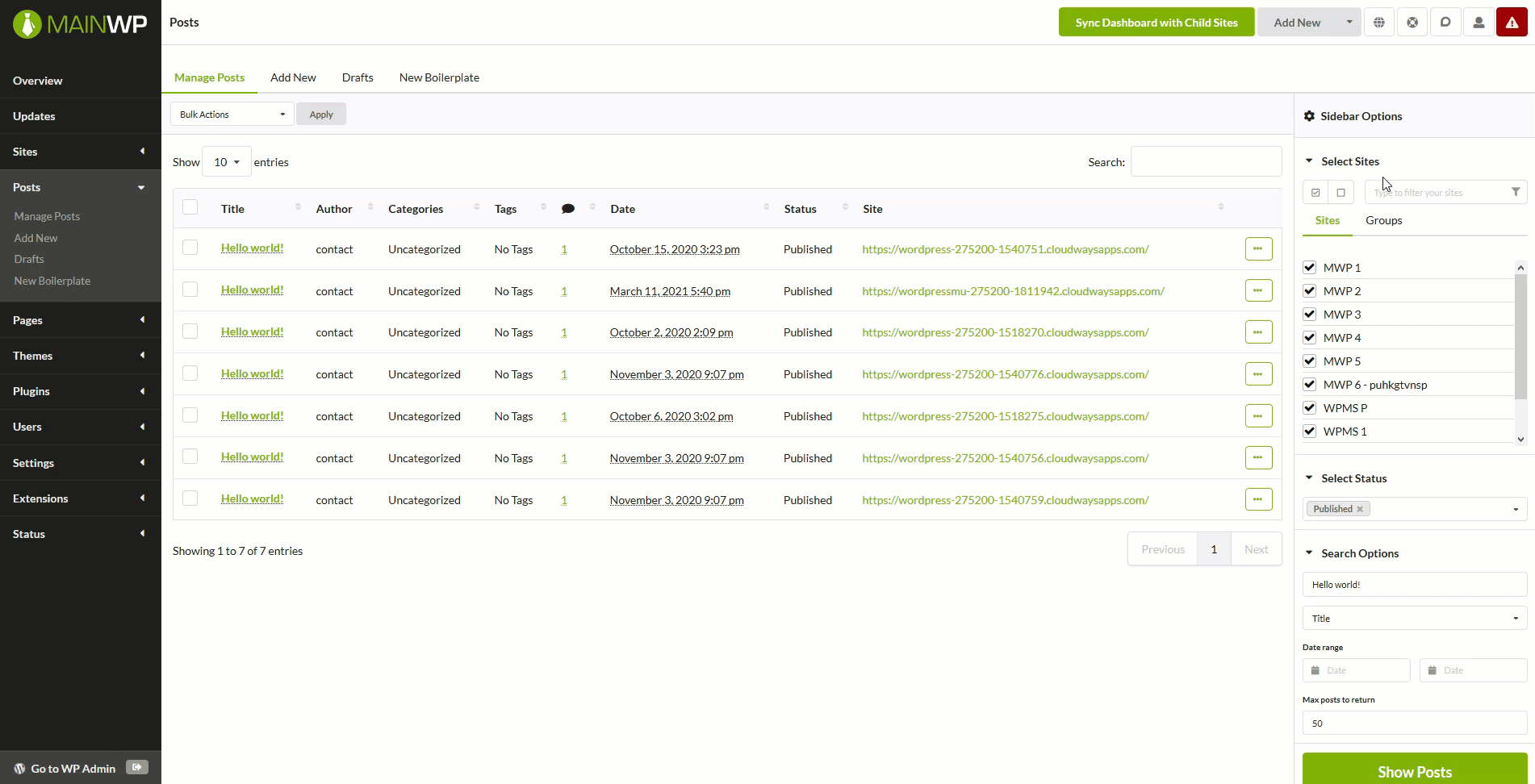 Choose either **Left** or **Right** position. The page reloads automatically and the sidebar moves to the selected position.
***
## Position Examples
### Sidebar on Left
Choose either **Left** or **Right** position. The page reloads automatically and the sidebar moves to the selected position.
***
## Position Examples
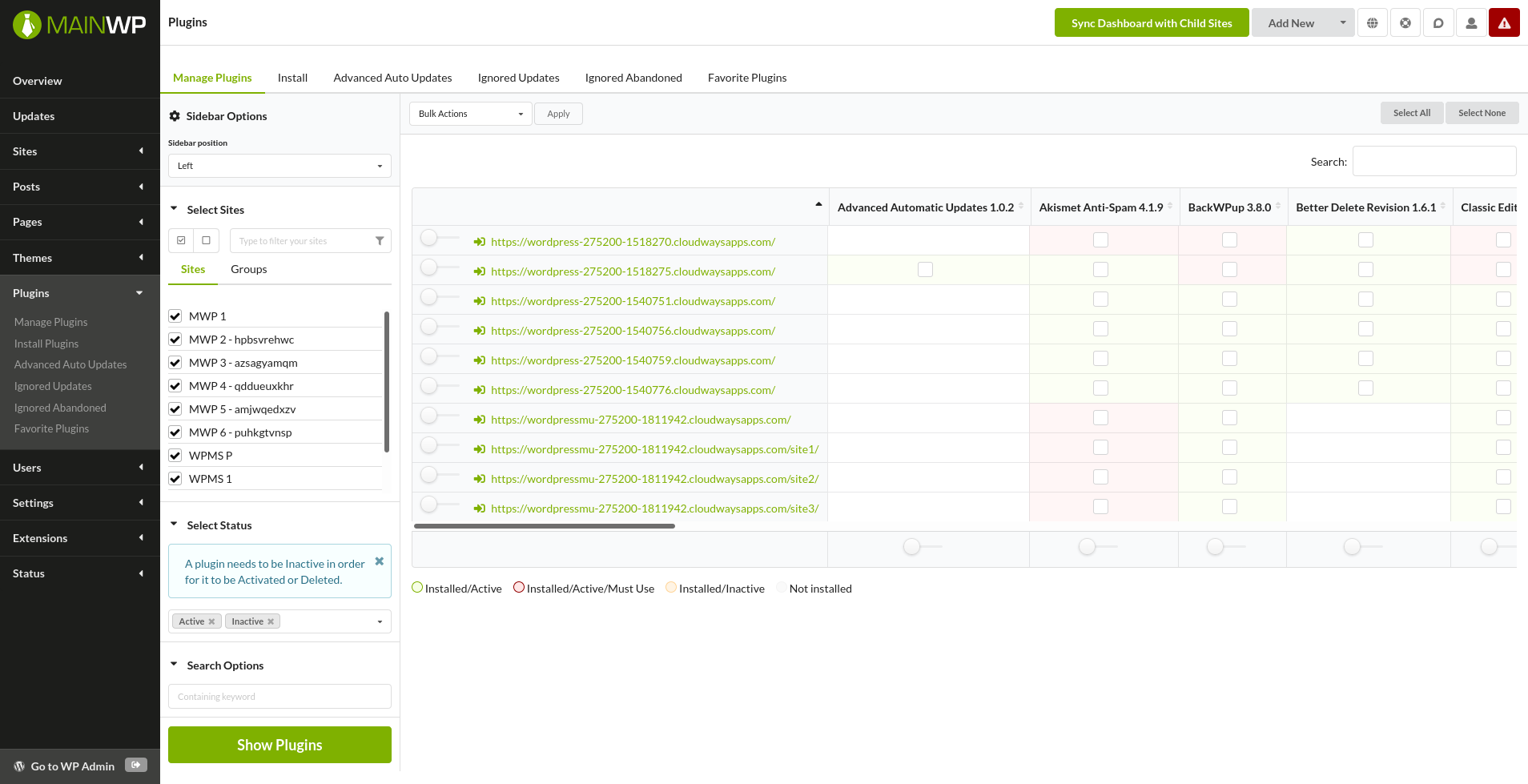
### Sidebar on Left
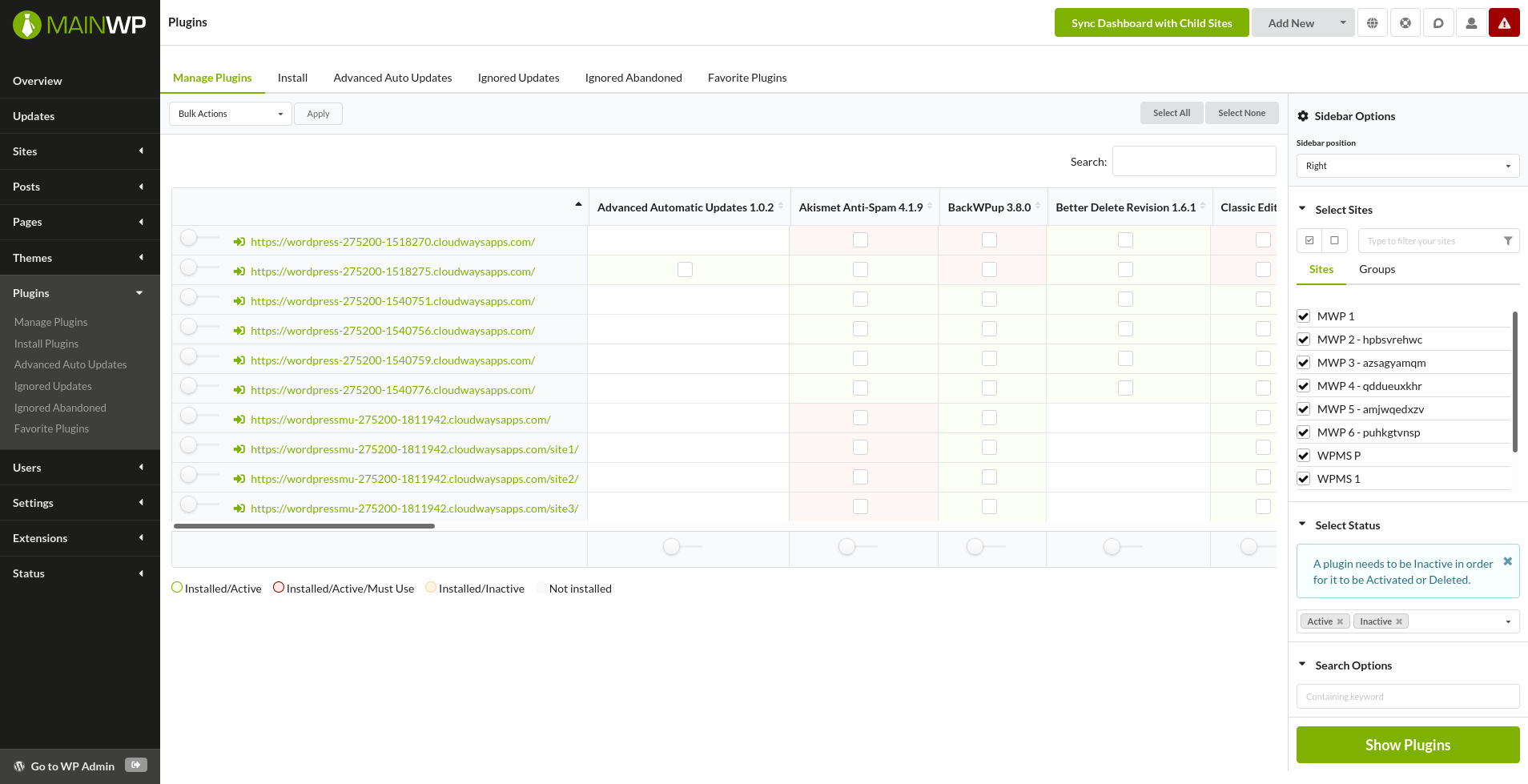
 ### Sidebar on Right
 ***
## Self-Check Checklist
* [ ] Sidebar Options section expanded
* [ ] New position selected
* [ ] Page reloaded with sidebar in new position
***
## Related Resources
* [Dashboard Themes](/customization/how-to-change-the-theme-for-mainwp) - Switch dashboard visual themes
* [Customize Dashboard Logo](/customization/customize-mainwp-dashboard-logo) - Brand your Dashboard
***
## Self-Check Checklist
* [ ] Sidebar Options section expanded
* [ ] New position selected
* [ ] Page reloaded with sidebar in new position
***
## Related Resources
* [Dashboard Themes](/customization/how-to-change-the-theme-for-mainwp) - Switch dashboard visual themes
* [Customize Dashboard Logo](/customization/customize-mainwp-dashboard-logo) - Brand your Dashboard