> ## Documentation Index
> Fetch the complete documentation index at: https://docs.mainwp.com/llms.txt
> Use this file to discover all available pages before exploring further.
# OpenSSL Key Encryption After Upgrading to v5.3
> MainWP Dashboard version 5.3 adds encryption for private keys stored in your database, strengthening security for Dashboard-to-Child Site communication.
MainWP Dashboard version 5.3 introduces encryption for private keys stored in your database. These private keys ensure secure communication between your Dashboard and connected Child Sites. Encrypting them provides enhanced protection in the unlikely event of a database breach.
 ## What You'll Learn
* How to encrypt private keys after upgrading to v5.3
* What private key encryption protects
* How the encryption system works
## Prerequisites
* MainWP Dashboard version 5.3 or later
* Admin access to your Dashboard
***
## Encrypt Keys After Upgrade
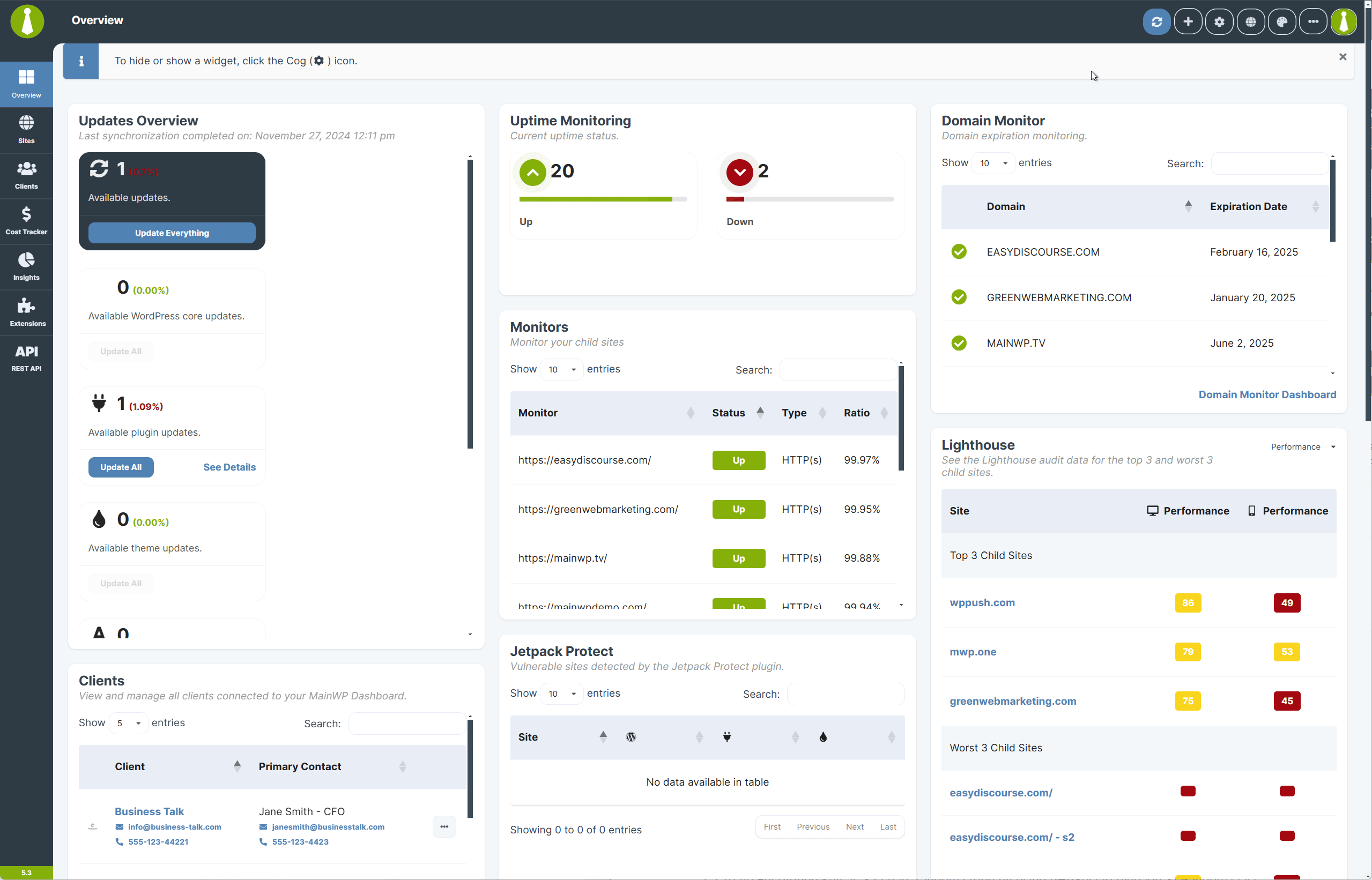
After upgrading to v5.3, a one-time prompt appears to encrypt private keys for existing connections.
After upgrading, look for the encryption notification on your Dashboard.
Click **Encrypt Keys Now** to encrypt all existing private keys.
The process runs automatically. New child sites will have their private keys encrypted automatically going forward.
***
## Restore the Notification
If you dismissed the notification, restore it from the Tools page.
Navigate to **MainWP Dashboard > Settings > Tools**.
Click the **Restore Info Messages** button.
Click **Encrypt Keys Now** when the notification reappears.
## What You'll Learn
* How to encrypt private keys after upgrading to v5.3
* What private key encryption protects
* How the encryption system works
## Prerequisites
* MainWP Dashboard version 5.3 or later
* Admin access to your Dashboard
***
## Encrypt Keys After Upgrade
After upgrading to v5.3, a one-time prompt appears to encrypt private keys for existing connections.
After upgrading, look for the encryption notification on your Dashboard.
Click **Encrypt Keys Now** to encrypt all existing private keys.
The process runs automatically. New child sites will have their private keys encrypted automatically going forward.
***
## Restore the Notification
If you dismissed the notification, restore it from the Tools page.
Navigate to **MainWP Dashboard > Settings > Tools**.
Click the **Restore Info Messages** button.
Click **Encrypt Keys Now** when the notification reappears.
 ***
## What Private Key Encryption Protects
Private keys sign requests sent from the Dashboard. Corresponding public keys on Child Sites verify the authenticity of those requests. Encrypting private keys ensures they remain inaccessible even if someone gains unauthorized database access.
MainWP uses AES GCM encryption (Galois Counter Mode) to protect private keys. This method ensures data confidentiality, integrity, and protection against tampering.
***
## How the Encryption Works
MainWP 5.3 uses the same secure framework implemented in version 4.5 for API key encryption.
| Step | Process | Description |
| ---- | -------------- | ---------------------------------------------------------------------------------- |
| 1 | Key Generation | A 32-character random encryption key is generated using PHPSecLib's `Random` class |
| 2 | IV Creation | A unique 16-character Initialization Vector ensures each encryption is distinct |
| 3 | Encryption | AES GCM encrypts the private key, producing cipher text and an authentication tag |
| 4 | Storage | Encrypted data (IV + cipher + tag) is base64 encoded and stored in the database |
| 5 | Key File | The encryption key is saved separately in a secure Key File |
This layered approach ensures that database compromise alone cannot decrypt private keys. Access to both the Key File and encryption components is required.
***
## Technical Details
### AES GCM Encryption
AES GCM (Galois Counter Mode) encrypts private keys and generates an authentication tag that verifies data integrity. Any tampering with encrypted data invalidates the tag, preventing decryption.
### Initialization Vector (IV)
The IV ensures encryption uniqueness. Each encryption session uses a random IV, so identical private keys produce different encrypted outputs. This prevents pattern-based attacks.
### Authentication Data
Authentication data validates that stored private keys are legitimate and unmodified. MainWP includes metadata during encryption to verify data trustworthiness.
### Key Management
The encryption key is stored separately from encrypted data. The Key File storing encryption keys is not in the database, so database access alone cannot expose private keys.
***
## Why This Matters
MainWP has always used encrypted communication between Dashboard and Child Sites. Private key encryption enhances this foundation by securing keys at rest in the database. Encrypted keys remain inaccessible without the Key File and other encryption components, even in the unlikely event of a database compromise.
***
## Self-Check Checklist
* [ ] Dashboard upgraded to v5.3 or later
* [ ] Encryption notification acknowledged
* [ ] Private keys encrypted (no notification remaining)
* [ ] Child site connections working after encryption
***
## Related Resources
* [How MainWP Stores API Keys](/advanced/security/how-mainwp-stores-3rd-party-api-keys-and-other-sensitive-data) - Encryption for third-party credentials
* [How to Find the openssl.cnf File](/advanced/how-to-find-the-openssl-cnf-file) - OpenSSL configuration
* [MainWP Security](/getting-started/how-secure-is-the-mainwp-plugin) - Security overview
***
## What Private Key Encryption Protects
Private keys sign requests sent from the Dashboard. Corresponding public keys on Child Sites verify the authenticity of those requests. Encrypting private keys ensures they remain inaccessible even if someone gains unauthorized database access.
MainWP uses AES GCM encryption (Galois Counter Mode) to protect private keys. This method ensures data confidentiality, integrity, and protection against tampering.
***
## How the Encryption Works
MainWP 5.3 uses the same secure framework implemented in version 4.5 for API key encryption.
| Step | Process | Description |
| ---- | -------------- | ---------------------------------------------------------------------------------- |
| 1 | Key Generation | A 32-character random encryption key is generated using PHPSecLib's `Random` class |
| 2 | IV Creation | A unique 16-character Initialization Vector ensures each encryption is distinct |
| 3 | Encryption | AES GCM encrypts the private key, producing cipher text and an authentication tag |
| 4 | Storage | Encrypted data (IV + cipher + tag) is base64 encoded and stored in the database |
| 5 | Key File | The encryption key is saved separately in a secure Key File |
This layered approach ensures that database compromise alone cannot decrypt private keys. Access to both the Key File and encryption components is required.
***
## Technical Details
### AES GCM Encryption
AES GCM (Galois Counter Mode) encrypts private keys and generates an authentication tag that verifies data integrity. Any tampering with encrypted data invalidates the tag, preventing decryption.
### Initialization Vector (IV)
The IV ensures encryption uniqueness. Each encryption session uses a random IV, so identical private keys produce different encrypted outputs. This prevents pattern-based attacks.
### Authentication Data
Authentication data validates that stored private keys are legitimate and unmodified. MainWP includes metadata during encryption to verify data trustworthiness.
### Key Management
The encryption key is stored separately from encrypted data. The Key File storing encryption keys is not in the database, so database access alone cannot expose private keys.
***
## Why This Matters
MainWP has always used encrypted communication between Dashboard and Child Sites. Private key encryption enhances this foundation by securing keys at rest in the database. Encrypted keys remain inaccessible without the Key File and other encryption components, even in the unlikely event of a database compromise.
***
## Self-Check Checklist
* [ ] Dashboard upgraded to v5.3 or later
* [ ] Encryption notification acknowledged
* [ ] Private keys encrypted (no notification remaining)
* [ ] Child site connections working after encryption
***
## Related Resources
* [How MainWP Stores API Keys](/advanced/security/how-mainwp-stores-3rd-party-api-keys-and-other-sensitive-data) - Encryption for third-party credentials
* [How to Find the openssl.cnf File](/advanced/how-to-find-the-openssl-cnf-file) - OpenSSL configuration
* [MainWP Security](/getting-started/how-secure-is-the-mainwp-plugin) - Security overview